For book-documentary channels
From a chat with your AI director to a finished asset pack.
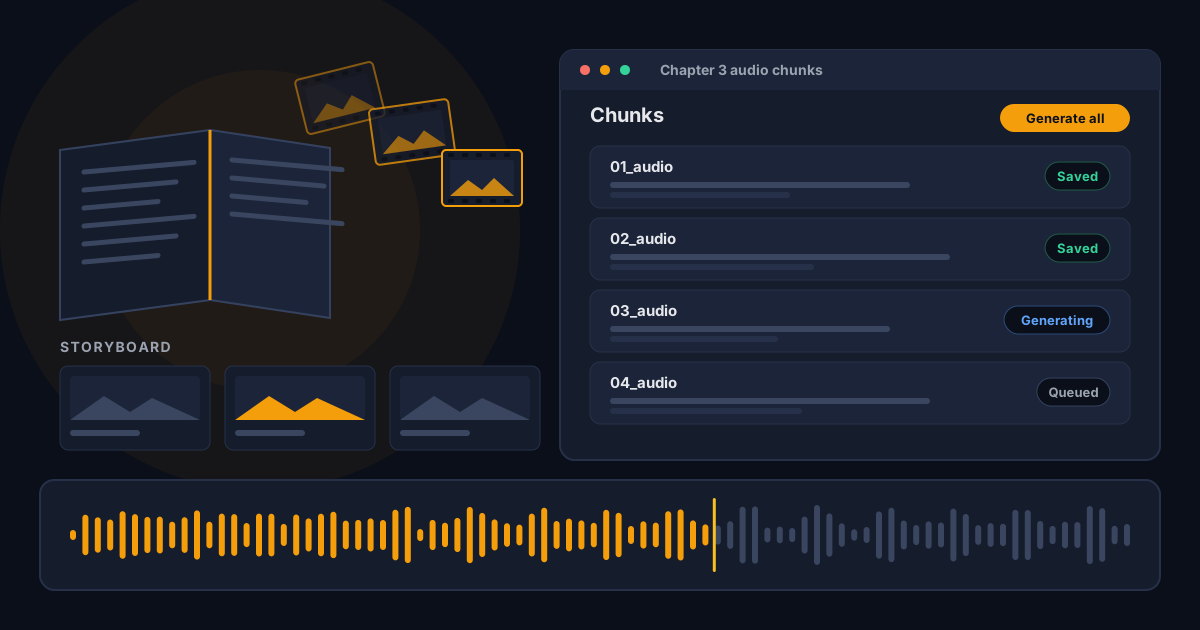
Run the AI Director or paste the full conversation. Motion Content Studio splits it into audio chunks and turns them into numbered narration files with ElevenLabs, then lays out the image prompts, animation prompts, covers, publishing text and 9:16 reels as a board you can copy from.
The demo uses fictional sample content and simulated audio. No sign-in.
How it works
Direct
Let the AI Director write the book package with Gemini in 6 stages, with a model chosen for each stage to balance quality and cost. Or paste a conversation you ran yourself.
Parse
Audio chunks, 16:9 scenes, animation prompts, covers, titles, captions and 9:16 reels are found for you, with counts to check.
Narrate
One click queues every chunk through ElevenLabs and saves numbered audio files.
Build the visuals
Copy each image, video and cover prompt, then upload the finished images and videos to its card. In the real app they are stored on your account (Cloudflare R2). Thumbnails, covers and the 9:16 reels kit work the same way.
Download
Download all assets as folders plus an edit list, ready for your video editor.
Demo or real app. The demo is public, uses fictional sample content and simulates the director and the audio, so it needs no keys. The real app is private: you sign in, add your own Gemini and ElevenLabs keys, and your projects are saved to your account.
Your data stays with you
Your Gemini and ElevenLabs keys stay in your browser, and requests go straight from your browser to those services. In the demo, projects stay in this browser. In the real app, projects, audio and uploaded files are saved to your own account behind a sign-in.